Anthropic shipped a pile of new Claude features this month. Seven of them got the headlines. Most owners need two or three.
Here’s the sorted version. I checked each one against Anthropic’s own pages, not launch-week summaries. Plan limits turn out to matter more than the feature list. (They usually do.)

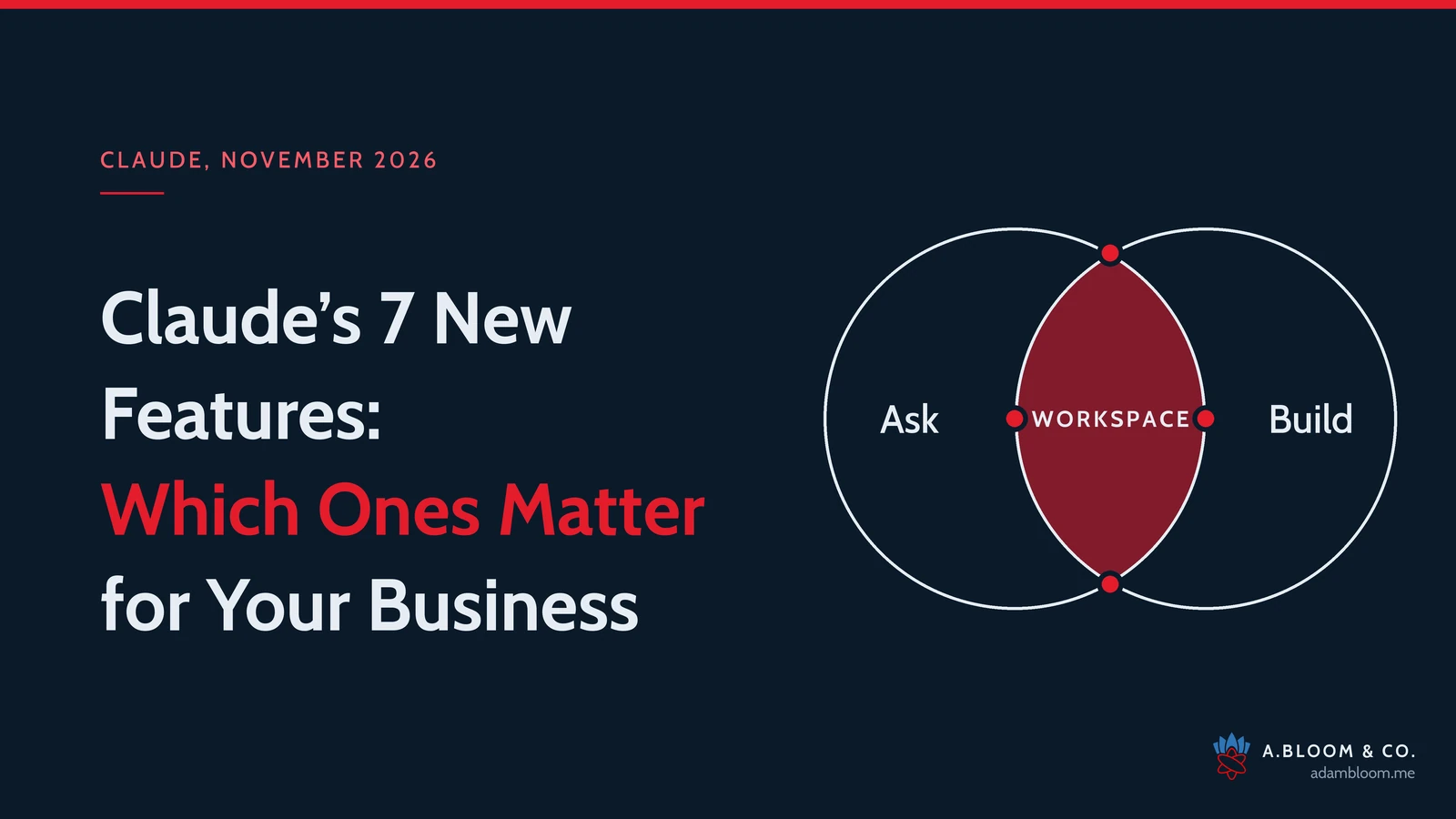
Claude is becoming a team workspace
For two years, Claude was where you asked a question and then copied the answer somewhere else. That’s changing. Anthropic says your documents, boards, sheets, and dashboards can now stay in Claude, with your team editing together.
Five of the seven features follow that idea: Meetings, Whiteboards, Sheets, Data, and interactive connectors. The other two, Advisor and themes, are aimed at people who write code.
So the real question isn’t “what’s new?” It’s “what would my team actually use on Monday?”

Meetings: notes and action items without a note-taker
Claude can now join a Google Meet call as a visible participant. It answers when you address it by name and builds docs or whiteboards on request. Afterward you get a meeting page with a summary, action items, and the transcript.
It saves a transcript, summary, and screen descriptions. Not audio. With each person’s permission, it can also use connected tools, like sending a Slack message. And it can stay on a call for up to eight hours, which is longer than most of us can stand a meeting.
The limits are real. It’s in beta. It works only in Google Meet. And it’s only on Team and Enterprise plans, so a solo owner on a personal plan can’t use it yet.
One more thing. On Team plans, Claude can join calls with outside guests unless an owner turns that off. Decide how you feel about a visible bot on client calls before your team decides for you.
Docs and whiteboards made in meetings are free through February 10, 2027.
Plan limits matter more than the feature list.

Sheets and Data: your numbers without the analyst queue
Sheets builds multi-tab spreadsheets from a prompt, with formulas, formatting, and drop-downs. It marks each change so you can track it, and your team can edit together. It’s in beta, and Anthropic itself calls the functionality simple. When you need full Excel, export to .xlsx or CSV.
Data is the bigger deal, and it’s generally available. Connect a data warehouse like BigQuery, or a CRM, and Claude builds dashboards from your numbers. Your data person can certify the queries, so charts carry a “certified” badge. Fewer arguments about whose revenue figure is right.
Claude can also draft a data story, even a narrated video. A person reviews it before it goes anywhere. In live sharing (still beta), viewers see approved query results without needing access to your connector.
The catch: Data needs a connector. No warehouse or CRM, no dashboard. Sheets and Data are both on every paid plan. On Team plans all three of these are on by default. On Enterprise plans, an admin switches Whiteboards and Sheets on.

Advisor: a second opinion, only when it counts
Advisor pairs an everyday model with a stronger one. The everyday model handles routine work. It consults the stronger one at decision points: before committing to an approach, when an error keeps recurring, and before calling a task done.
Anthropic’s docs say pairing a faster main model with a stronger advisor typically costs less than running the stronger model all the time. Think of a sharp associate who knows when to knock on the partner’s door.
Here’s the catch. It’s experimental, and it lives in Claude Code and the API. If nobody on your team writes code, this one isn’t for you yet.
How advisor pairings work (Anthropic’s Claude Code documentation)
An advisor must rank at or above the main model. Sonnet 5.5 accepts Fable, Opus 5 or later, or Sonnet 5.5. Opus 5.5 accepts Fable or Opus 5 or later. Advisor tokens count toward your plan’s usage limits.

Whiteboards, connectors and themes: the short list
Whiteboards are a shared board for brainstorming with Claude. They’re in beta on every paid plan. When you’re done, turn the board into a doc or deck, or move it to Miro, Lucid, or Vani by Zoho.
Interactive connectors open your apps beside the chat. Slack, Asana, Box, and Canva are among the supported tools. Claude uses the permissions you already granted, and purchases aren’t supported. The side panel runs on web and desktop, not mobile yet.
Themes recolor the Claude Code desktop app and can add animated backdrops. Pretty. Not a business decision.
So here’s the sort. Meetings, if you’re on Team and live in Google Meet. Data, if your numbers sit in a warehouse or CRM. Sheets and Whiteboards, for light team work. The rest can wait.
None of it fixes a business problem by itself. Features rarely do. Start with one real problem, then pick the tool. And if you want a free place to practice, the Prompt Library has copy-ready prompts that are free to use.
Not sure which of these fits your business? Book a 30-minute call. No pitch. Just a conversation.

Sources and claims
| Claim | Source | Status |
|---|---|---|
| Documents, boards, sheets, and dashboards can stay in Claude; teams edit together | Anthropic, “Introducing Claude Whiteboards, Claude Sheets, and Claude Data” (Nov 10, 2026) | Verified at source |
| Meetings: Google Meet, beta, Team and Enterprise only | Anthropic Help Center, “Use Claude Meetings” | Verified at source |
| Meetings saves transcript, summary, screen descriptions, not audio | Same Help Center article | Verified at source |
| Team plans allow outside guests unless an owner turns it off | Same Help Center article | Verified at source |
| Docs and whiteboards made in meetings are free through Feb 10, 2027 | Same Help Center article | Verified at source |
| Sheets: multi-tab, formulas, tracked changes, simple functionality, export to .xlsx or CSV | Anthropic blog post (Nov 10, 2026) | Verified at source |
| Data: generally available, needs a connector, certified badge, data stories and narrated video reviewed by a person | Anthropic blog post (Nov 10, 2026) | Verified at source |
| Sheets, Whiteboards, and Data are on all paid plans; Team on by default; Enterprise: Whiteboards and Sheets off by default | Anthropic blog post (Nov 10, 2026) | Verified at source |
| Meetings can use connected tools with permission and stay up to eight hours | Anthropic Help Center, “Use Claude Meetings” | Verified at source |
| Live sharing (beta): viewers see approved query results without connector access | Anthropic blog post (Nov 10, 2026) | Verified at source |
| Whiteboards can move to Miro, Lucid, or Vani by Zoho | Anthropic blog post (Nov 10, 2026) | Verified at source |
| Advisor: consult points, typically costs less, experimental, Claude Code and API, pairing rules, usage limits | Anthropic, Claude Code docs, “Escalate hard decisions with the advisor tool” | Verified at source |
| Interactive connectors: Slack, Asana, Box, Canva supported; no purchases; side panel on web and desktop, not mobile | Anthropic Help Center, “Use interactive connectors in Claude” | Verified at source |
| Themes recolor the Claude Code desktop app and can add animated backdrops | Anthropic Claude Code docs, “Draw in the interface with a mod” (colors and backdrop); animation per Anthropic’s ClaudeDevs post as quoted by ClaudeFolio | Verified at source (docs); animation quote via secondary |
| Advisor and themes are aimed at people who write code | Adam’s reading of the documentation | Interpretation |
| “Fewer arguments about whose revenue figure is right” | Follows from certified queries | Interpretation |
| Advisor “knock on the partner’s door” | Analogy | Illustration |